Let me start by providing a link to the video.
I’ll repeat it at the end of the newsletter, so you can either watch it now or watch it after reading the explanation.
I’m a photographer and writer, so why am I getting involved in making videos? In a word, exposure.
To let people know that I exist, that I am making new work, and that I have something to say, I need to engage. My work is purpose-driven, so I want to engage with people about my concerns and the situations that inspire me to create. Video is the engagement tool of our time. British artist and filmmaker Dan Edelstyn has been very effective in getting his message out to the world. I have just finished his book, in which he recommends using video as a tool to engage. So here am I, taking Dan’s advice. I thought it would be interesting to document and share the process.
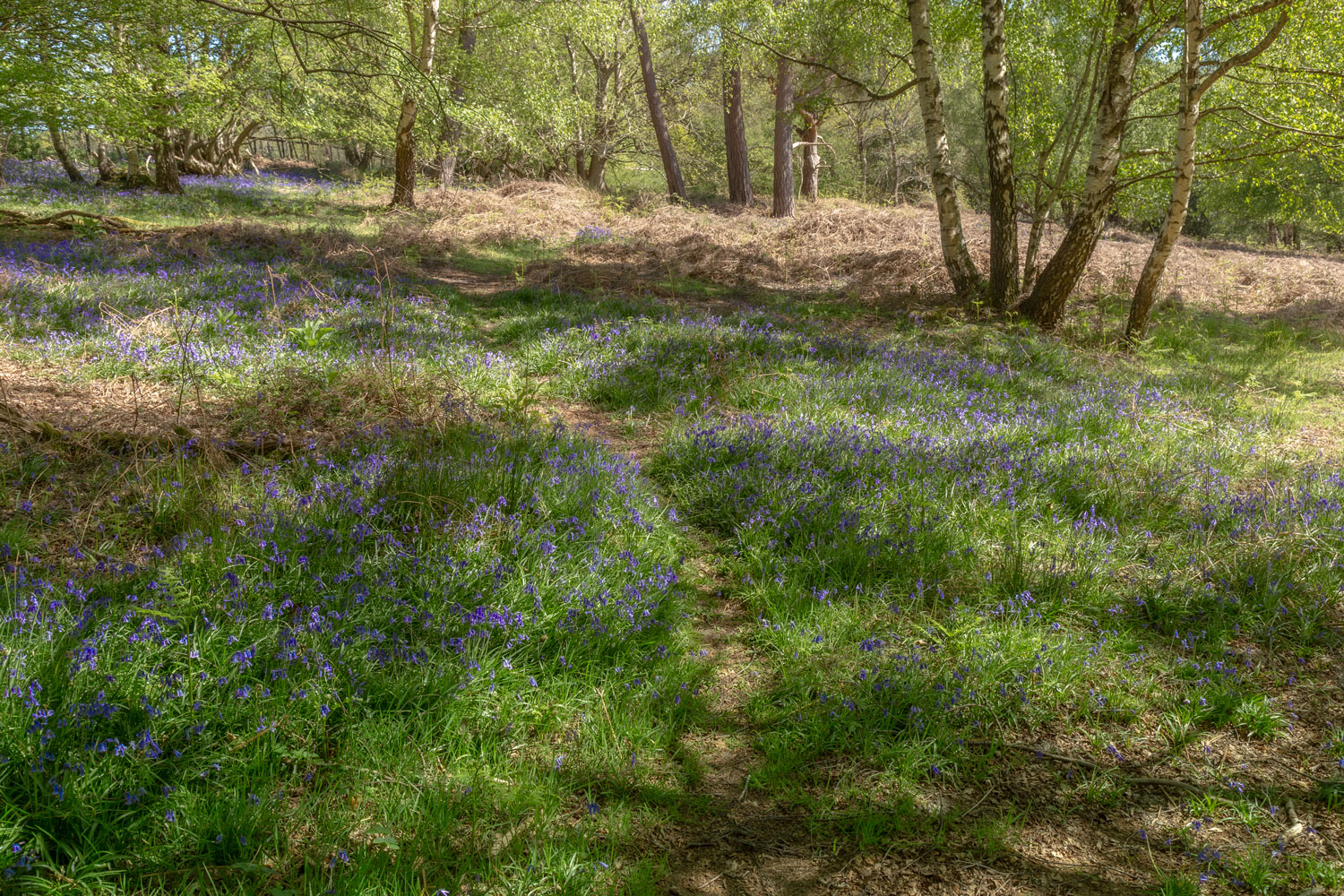
Firstly, you need an idea. I decided to create a video about my relationship with Ashdown Forest, a wild area of woodland and heath, close to where I live. If I need a reset, a boost, or to calm down, I head for the forest to drink in its inspiration. Because it is a natural place, it’s a great place for photography based on nature. The forest provides me with so much, and I genuinely love it. It seems the perfect place to nurture my new project.
As this is my first time creating a multi-scene edited video, I decided on a simple structure. Some video of the environment and some talk-to-camera pieces. Photographs from the day would be inserted as stills into the video.
Tools for the job. As a photographer, I obviously have a camera and know how to use it. I used my Canon dSLR for the still pictures. The processing was done in Adobe Lightroom. This is familiar territory so far.
For the video footage, I used my mobile phone. It’s a new Google Pixel 10, but any smartphone from the current generation would be fine. I used a cheap, cordless lavalier microphone to record my speech. To stabilise the phone, I bought a cheap bracket to mount it on a tripod.
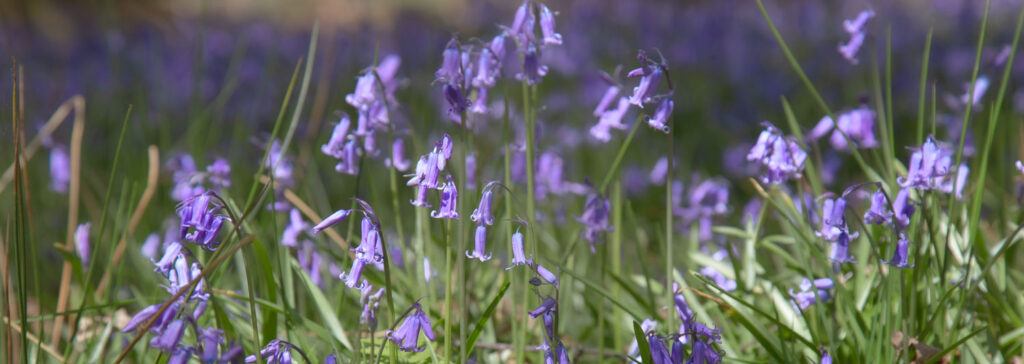
With all the gear squeezed into my backpack, I set off for a spot I knew in the forest where I was unlikely to be disturbed. In the future, I will have to work in more public spots, but for the first attempt, I wanted the opportunity to think at my own pace. It was a beautiful sunny day. I walked, took some photographs, shot some video of the forest and me talking to the camera. I even found an ant’s nest and a badger skull.
Back at home, I downloaded the video clips to my desktop computer. The photographs were processed and exported as TIF files. All the source files, stills and video were saved in a single, dedicated folder. Then it was time to grapple with Adobe Premiere. There are probably software packages that are easier to use, but Premiere is the market leader, and I felt I should get to grips with it. It is part of Adobe Creative Cloud, which I already subscribe to. So no extra expense.
Then the struggle commenced! The concept of Premiere is simple. You import your source files, drag them into a sequence, and edit them, then pull them all together into the video. But the devil is in the details. So I proceed, one step at a time, asking online sources what to do next. Google Gemini proved to be invaluable. Here’s sample exchange:
Q: When I import an MP4 file into Premiere, it looks very overexposed. Why is this?
A: It sounds like you’ve run into a classic HDR (High Dynamic Range) mismatch. This is a very common issue, especially if you are filming on an iPhone or a newer mirrorless camera that records in HLG (Hybrid Log-Gamma) or PQ.
When you drop HDR footage into a Standard Dynamic Range (SDR) timeline, Premiere doesn’t always know how to “map” those extra-bright highlights, so it just blasts them out, making the video look overexposed or “blown out.”
Here is how to fix it (and Gemini offered some fixes).
The paradox amused me. Here is technology that is difficult to use initially. But different technologies come to help me. I just went with the flow, grateful that I was solving these problems and achieving progress.
Different projects will present different challenges, so I won’t offer a full list of problems and solutions here. The “ask AI” approach takes a lot of time at first, but once the solution is known, the next time will be much easier. But one challenge proved especially hard.
I wanted to insert my photographs into the sequence as stills with a white border. None of the advice made any sense. Eventually, I developed my own solution. Open my TIF files in Photoshop, expand the image canvas to give a 30% border all round. Then create a solid white background as the bottom layer. The image remains visible; the background makes the border look white, and the photograph looks mounted. Export to JPG and import into Premiere.
Eventually, after many hours of work, I finished an 8-minute video. Premiere has a tool to export to YouTube, and then you are ready to show your work to the world.
I deliberately didn’t set any deadlines, so I could work through all steps and learn in depth. I also didn’t hold out for perfection. There are things I would like to be different, but I think it is important to get something you are mostly happy with, and then build your skills on the next project. Project thinking is an important step for a photographer. We need to think beyond the single image and create bodies of work instead. This is where we can tell stories and convey messages. Creating a book or a zine imposes the same rigour. At some time, you have to say, “this is it”. Save the project, export the book, zine or video, and publish it. Then move on to the next project. Don’t get stuck in the endless loop of tiny improvements. Your audience probably won’t even notice.
What will I do differently next time? The video footage needs the most improvement. Filming in the high contrast of midday was a mistake, and I need to think more carefully about where I film in future. Sound quality also needs some work. But that’s for next time. For now, I have made something, and I’m pleased I got out of the starting blocks.
Here’s the linky again https://youtu.be/ODjDCYrgXWo?si=fQ6AidMy6mBlD-8B
Like, comment and subscribe!
(and please share this with a friend)
__________________________________________________________
This article was originally published on my newsletter. You can subscribe to my newsletter here https://www.chrisjerrey.photography/newsletter/